Why Starting a YouTube Channel Is Your Gateway to Online Income
If you’re looking to create youtube channel com, here’s the quick answer: Sign in to YouTube.com with your Google Account, click your profile picture, select “Create a channel,” then choose a name, profile picture, and handle. The entire process takes less than 5 minutes and is completely free.
Quick Steps to Create Your Channel:
- Sign in to YouTube.com with a Google Account
- Click your profile picture in the top right
- Select “Create a channel” or “Settings” > “Add or manage channel(s)”
- Choose between a personal channel (uses your Google name) or brand channel (custom name)
- Add a profile picture, channel name, and handle (@username)
- Click “Create channel”
YouTube is more than a video platform; it’s the second-largest search engine globally, with over two billion monthly users. For anyone seeking extra income or financial freedom, YouTube offers a real path forward.
Video content has the highest ROI of any media format, and creators are building six-figure incomes by sharing their knowledge. The best part? Creating a YouTube channel costs absolutely nothing.
You don’t need expensive equipment, viral videos, or prior experience. Most successful creators started with a smartphone and learned as they went. What matters is taking that first step and being consistent.
Whether you’re interested in affiliate marketing, building a personal brand, or creating passive income, YouTube gives you direct access to a massive audience. With over 115 million channels, the opportunity is still wide open for newcomers who bring value and authenticity.
Step 1: Plan Your YouTube Channel Strategy
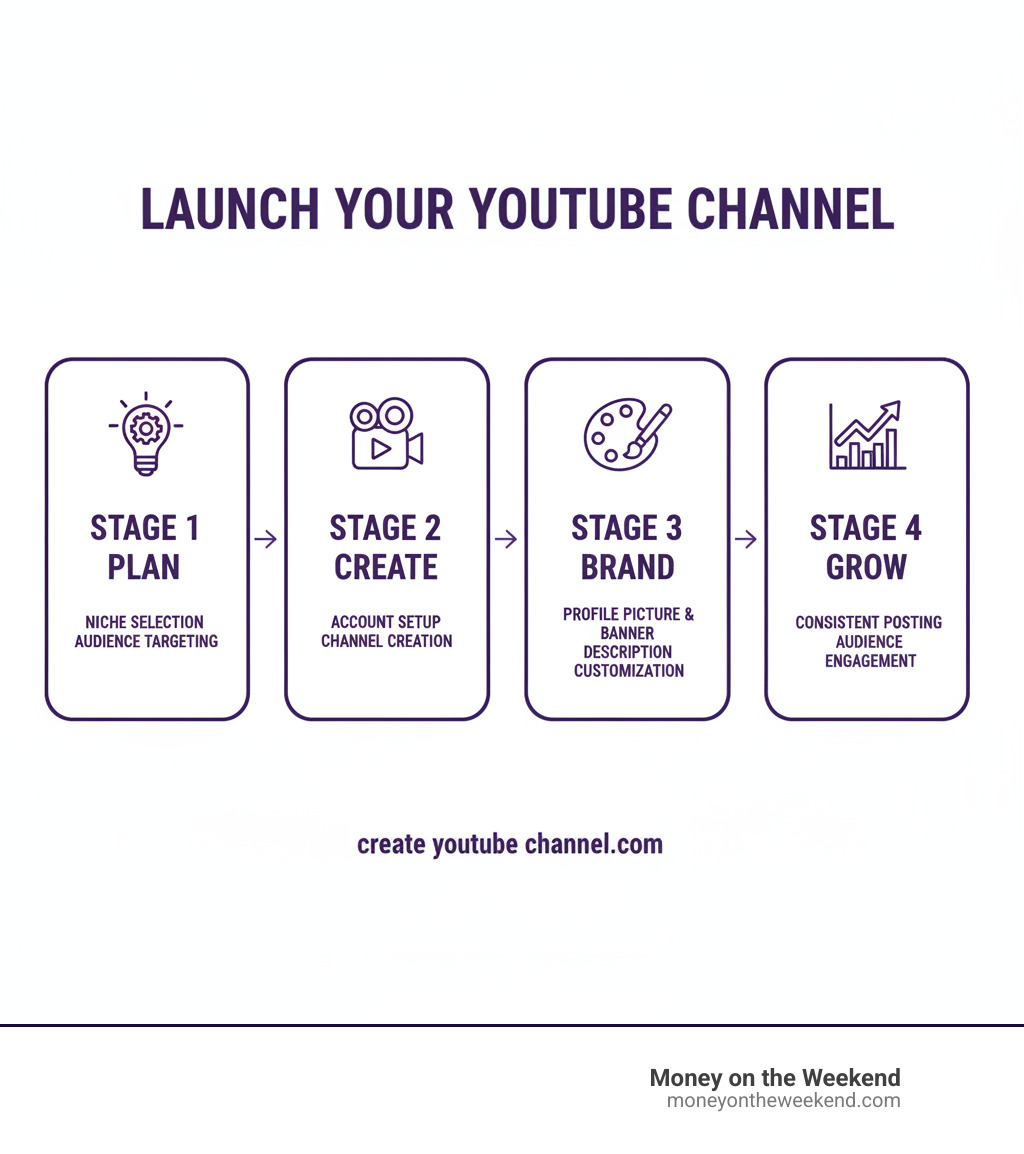
Uploading random videos isn’t a strategy. To succeed, you need a plan. Before you click “create,” let’s map out your YouTube journey by defining your purpose, your audience, and your content.

First, you’ll need a Google Account. Every YouTube channel is connected to one, so create one if you haven’t already. It takes just a few minutes and opens up your entire YouTube journey.
Now, let’s explore the first big decision you’ll face when you create youtube channel com.
Personal vs. Brand Channel: What’s the Difference?
This choice shapes how your channel operates. A Personal Channel links directly to your Google Account and uses your name. It’s perfect for vloggers, experts, or anyone building a personal brand. The catch is that only you can manage it.
A Brand Account Channel offers more freedom. You can choose a custom name (like “Weekend Money Masters”) and add multiple owners or managers to help run the channel. This makes it ideal for businesses, teams, or channels you might sell one day.
Here’s how they stack up:
| Feature | Personal YouTube Channel | Brand Account Channel |
|---|---|---|
| Management | Managed by a single Google Account owner | Managed by multiple owners and managers |
| Naming | Uses your Google Account name | Uses a custom name (e.g., your business name) |
| Google Account | Directly linked to your personal Google Account | Linked to a Google Account, but operates independently |
| Scalability | Best for individual creators | Ideal for businesses, teams, and future growth |
| Public Presence | Public presence is tied to your personal identity | Public presence is tied to your brand identity |
If you’re exploring YouTube as one of the businesses you can start on a budget, a Brand Account provides valuable flexibility.
Choosing Your Niche, Name, and Handle
With over 115 million channels, general content gets lost. Successful creators go narrow and deep. Instead of a “fitness channel,” create “home workouts for new moms.” Your niche should solve a specific problem for a specific audience. Ask yourself: what unique perspective can I offer?
Your channel name should be memorable and findable. Your own name works for a personal brand. For a topic-based channel, weave in relevant keywords, like “Weekend Wealth Builders” for a side hustle channel. This immediately tells viewers what to expect.
Your handle (@username) is how people find and tag you. Keep it simple, memorable, and aligned with your channel name. Avoid numbers or special characters to make it easy to share.
Want more inspiration? Check out our guide on YouTube Channel Ideas and dive deeper into Content Creation strategies.
What Does It Cost to Start a YouTube Channel?
Creating a YouTube channel costs exactly zero dollars. YouTube provides everything you need to upload and manage videos for free, making it a powerful tool for anyone on a budget.
While the channel is free, you might choose to invest in equipment to improve video quality. Most successful creators start with their smartphone. If you decide to invest, prioritize audio equipment. A cheap external microphone ($50-$150) makes a bigger impact than an expensive camera. Viewers will forgive average video but will click away from bad audio.
Next is lighting. Natural light from a window is free, but a basic ring light ($40-$100) helps for filming at night. For editing software, free options are plentiful. Start there and only upgrade once you’re committed.
Most creators launch for under $200, and many for nothing at all. The platform itself is always free, which is what matters when building passive income streams.
For specific costs and budget-friendly gear, see our breakdown of How Much Does It Cost to Start a YouTube Channel?
Step 2: The “create youtube channel com” Walkthrough
With your strategy in place, it’s time to make it happen. The process to create youtube channel com is straightforward on both desktop and mobile. Let’s walk through it.
Creating a Personal Channel on Desktop or Mobile
Creating a personal channel is the simplest option, as it ties directly to your Google Account.
On a desktop computer:
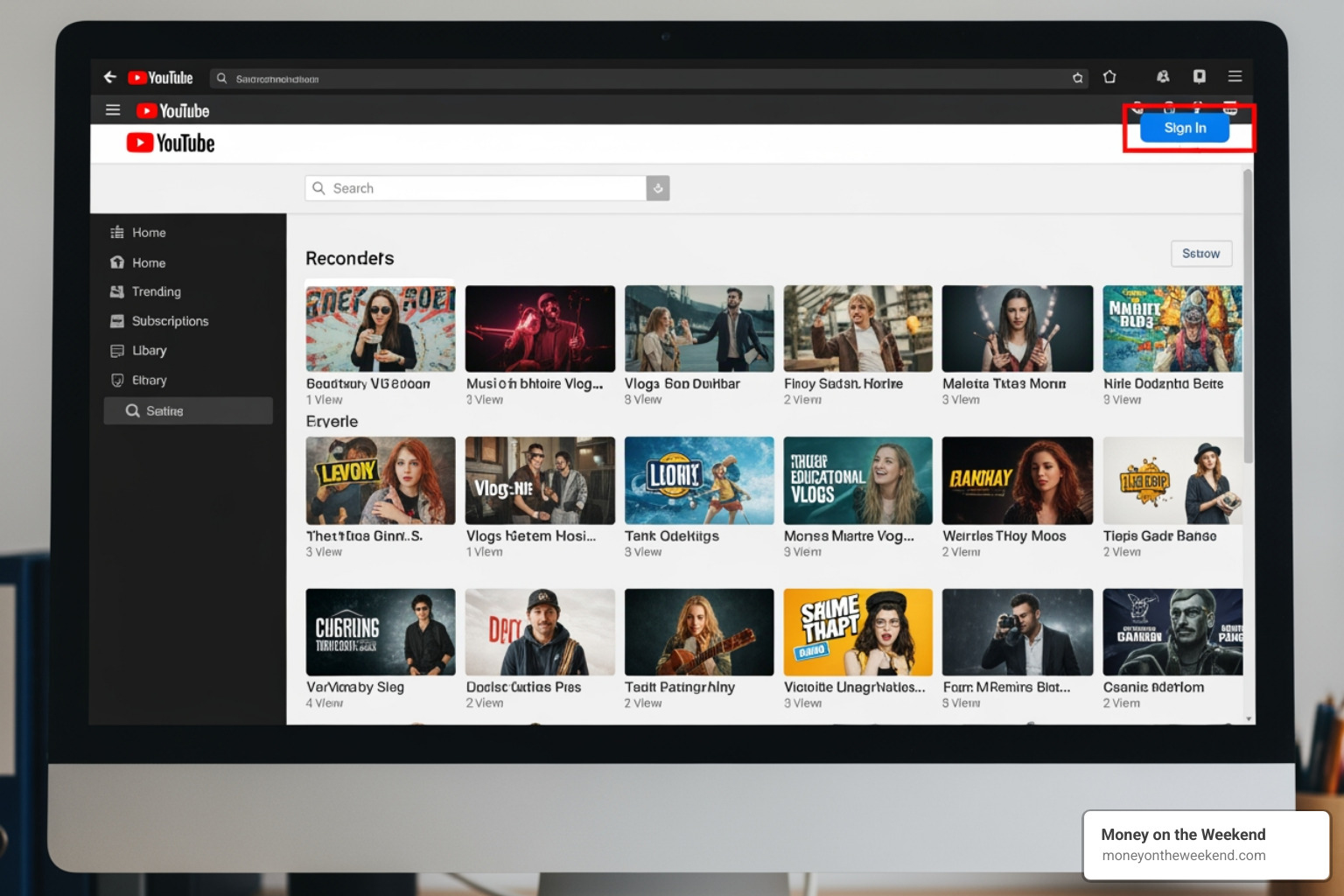
Go to YouTube.com and sign in with your Google Account. Click your profile picture in the top right corner and select “Create a channel.” If you don’t see that option, go to “Settings” > “Account” > “Add or manage channel(s).”
YouTube will then prompt you to confirm your channel name (which defaults to your Google Account name), upload a profile picture, and choose a unique handle (@username). Click “Create channel,” and your personal channel is live.
On a mobile device:
Open the YouTube app and sign in. Tap your profile picture in the top right, then select “Your channel.” You’ll be prompted to enter your channel name, upload a profile picture, and set your handle. Tap “Create channel” to finish.
While creating on mobile is convenient, we recommend using a desktop for the full range of setup and customization options. For extra help, see the Official YouTube guide on creating a channel.
Creating a Brand or Business Channel
If a Brand Account fits your goals, the process is just as simple and allows for a custom name and team management.
First, sign in to YouTube.com with the Google Account you want as the primary owner. Steer to your channel list (usually via Profile Picture > Settings > Account > “Add or manage channel(s)”).
Click “Create a new channel.” Here, you’ll enter a custom name for your Brand Account. Follow the prompts to add a profile picture and handle, then click “Create.”
To add collaborators, return to your channel settings to assign managers. This feature is perfect for any business you can start on a budget with growth potential.
For Developers: Integrating Channel Creation
For developers building apps that integrate with YouTube, you may encounter users who need to create youtube channel com from within your application. If your app attempts an upload for a user with a Google Account but no YouTube channel, the API will return a youtubeSignupRequired error.
To handle this gracefully, launch an in-app browser to https://m.youtube.com/create_channel. After the user completes the process, your app can detect the completion, close the browser, and retry the original API request. This creates a seamless experience, allowing users to create their channel without leaving your app.
Step 3: Set Up Your Channel for Success
You’ve officially taken the step to create youtube channel com! Now it’s time to make your channel shine and attract your ideal audience. This stage is vital for making a great first impression and building a foundation for YouTube SEO, turning your channel into a thriving side hustle or business venture.
Essential Branding: Profile Picture, Banner, and Description
Your channel’s branding is its digital handshake—it instantly tells viewers who you are and what you offer.
-
Profile Picture (Logo): This appears next to your videos and comments. Use a clear, friendly photo of yourself for a personal brand or your logo for a business. It should be at least 98×98 pixels (800×800 is ideal) and under 4 MB.
-
Channel Banner Art: This is the large graphic at the top of your channel page. Use this digital billboard to showcase your channel’s theme or upload schedule. The recommended size is 2560 x 1440 pixels, with a “safe zone” of 1540 x 427 pixels for key info to appear on all devices. Keep the file under 6 MB.
-
Compelling Channel Description: Found in the “About” section, this is gold for YouTube SEO. It helps the algorithm categorize your content and tells viewers if your channel is for them. Include target keywords in the first few sentences and clearly state what your channel covers and who it’s for.
How to Verify Your Channel and Why It’s Crucial
Next, you must verify your channel. This simple but critical step open ups essential features for growth. Go to youtube.com/verify and provide a phone number to receive a confirmation code. It’s fast and necessary for any serious creator.
Verification opens up a world of possibilities:
- Custom Thumbnails: Create eye-catching images that are vital for getting clicks.
- Videos Longer Than 15 Minutes: Upload in-depth tutorials or interviews.
- Live Streaming: Engage with your audience in real-time.
- Appealing Content ID Claims: Protect your work by challenging copyright claims.
Without verification, your creative potential on YouTube is severely limited. Don’t skip this foundational step.
Configuring Key Channel Settings
Beyond branding, a few key settings will make your channel more user-friendly and findable.
-
Channel Trailer for New Visitors: In YouTube Studio, set a short (30-60 second) video to auto-play for non-subscribers. This is your elevator pitch to convince them to stick around.
-
Featured Video for Returning Subscribers: Highlight your latest upload or a popular video to keep your loyal fans engaged.
-
Playlists: Grouping similar videos into playlists encourages binge-watching, which boosts your watch time. Organize content by topic or series to help viewers steer your channel.
-
Advanced Channel Keywords: In your channel settings, add keywords that describe your niche and overall content themes. This helps YouTube understand and recommend your channel.
Taking time to configure these settings improves the user experience and tells YouTube what your channel is about, boosting your chances of being found.
Frequently Asked Questions about Starting on YouTube
As you start your journey to create youtube channel com, it’s natural to have questions. Here are answers to the most common concerns from new creators.
What are the most common mistakes when you create youtube channel com?
Avoiding common pitfalls can save you months of frustration and help you build momentum faster.
- No clear niche: Trying to appeal to everyone appeals to no one. Focus on a specific topic, like “yoga for desk workers,” to attract a dedicated audience.
- Inconsistent branding: A mismatched profile picture, banner, and video style confuses viewers. Create a cohesive look that communicates your identity.
- Poor audio quality: Viewers will forgive shaky video but will click away from bad audio in seconds. A good microphone is a better initial investment than a fancy camera.
- Ignoring video SEO: Don’t just upload and hope. Optimize your titles, descriptions, and tags with relevant keywords so YouTube’s algorithm can connect your content with viewers.
- Not engaging with comments: YouTube is a community. Responding to comments builds relationships, provides feedback, and fosters loyalty.
- Giving up too early: Most channels take 12-18 months of consistent publishing to meet monetization requirements. Impatience is the dream killer; consistency is the secret ingredient.
How much does it cost to create youtube channel com?
The fantastic news is that creating the channel is completely free. YouTube provides the platform, hosting, and tools at no charge, making it an accessible path to financial freedom.
Production costs are up to you. You can start with a zero-dollar investment by using your smartphone, natural light, and free editing software like DaVinci Resolve or CapCut. As your channel grows, you can reinvest in equipment. If you do, prioritize an external microphone ($50-$150) for clear audio, followed by basic lighting ($40-$100). The channel itself costs nothing, and your production budget can scale with your success.
For a full breakdown, see our guide on How Much Does It Cost to Start a YouTube Channel?
How soon can I start making money on YouTube?
While creating a channel is quick, earning revenue takes time and consistent effort. The main way to earn is through the YouTube Partner Program (YPP), which allows you to run ads on your videos. To qualify, you need 1,000 subscribers and 4,000 watch hours in the past 12 months. For most new channels, this takes 12 to 18 months.
However, you don’t have to wait for the YPP to start earning. You can begin making money from day one through:
- Affiliate marketing: Include links to products in your descriptions and earn a commission on sales.
- Sponsored videos: Once you have an audience, brands may pay you to feature their products.
- Memberships & Products: Offer exclusive content through platforms like Patreon or sell your own digital or physical products.
The key is to focus on building an engaged audience first. Monetization opportunities will follow. For more on this, explore What Happens When You Get 1000 Subscribers on YouTube?
Conclusion: Your Creator Journey Starts Now
We’ve covered the essential steps to create youtube channel com, from planning your strategy and choosing an account type to branding your new channel for success. It’s clear that YouTube is more than just a video site—it’s a powerful search engine, a platform for building a brand, and a significant pathway to generating Passive Income.
The magic of YouTube is its accessibility. You can start for free with just a smartphone. The most important ingredients for success are a clear vision, consistent effort, and a genuine desire to connect with an audience. Consistency is critical for both the YouTube algorithm and for keeping viewers coming back.
Here at Money on the Weekend, our mission is to guide you toward financial freedom through digital entrepreneurship. Creating a YouTube channel is a tangible, empowering step toward that goal. It’s your opportunity to share your expertise and passions with billions of viewers actively searching for content like yours.
So, what are you waiting for? Your creator journey starts now. Hit that “create channel” button and begin building something amazing. For more guides and inspiration, explore our dedicated YouTube topic page. The world is ready for your story!